





// AI sprite studio  ·  made by Andrew AI

PERFECT PIXEL

One line of character description is enough. PerfectPixel turns it into 8-direction sprite animations you can drop straight into a game. AI handles the rendering — a deterministic signal-processing pipeline owns the quality, consistency, and precision.

PhaserUnityGodotAseprite JSON

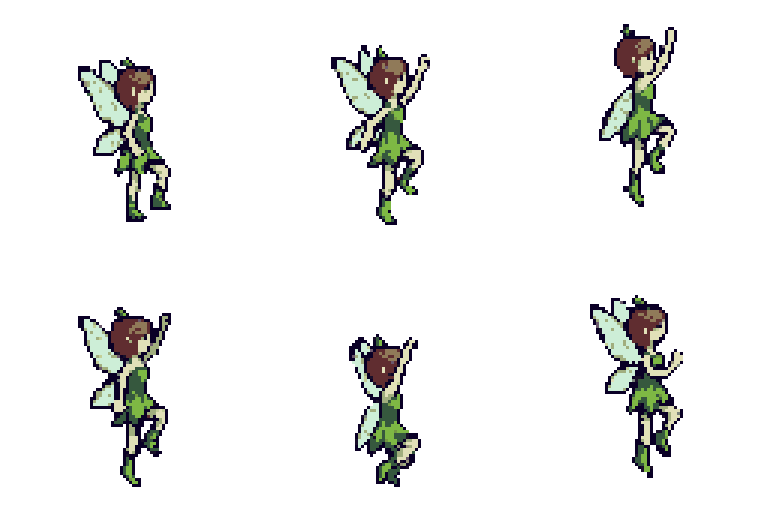
character · power-up · south
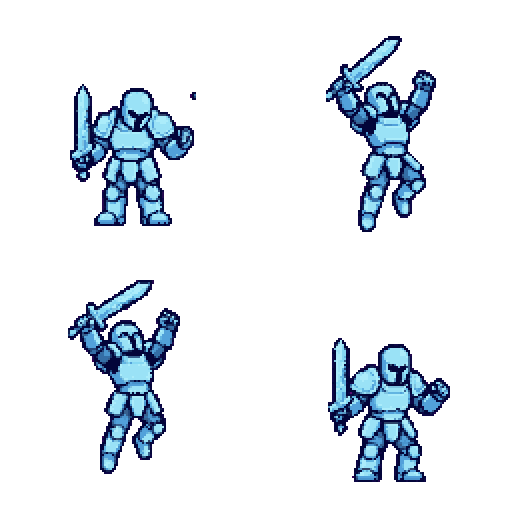
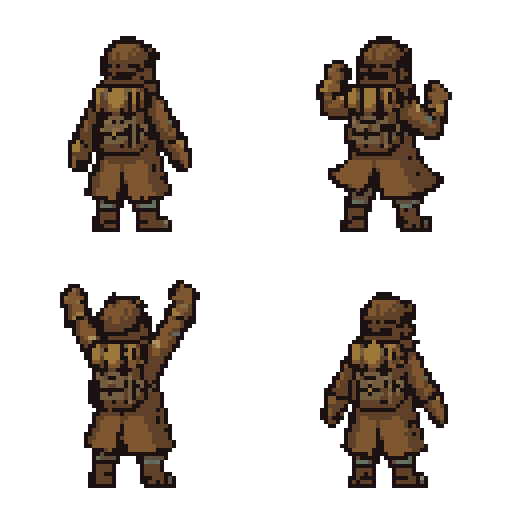
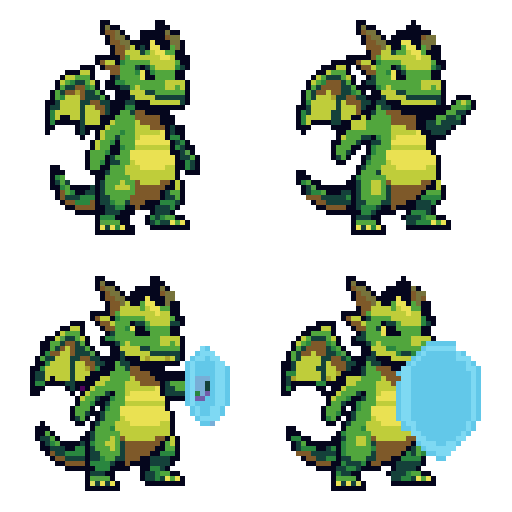
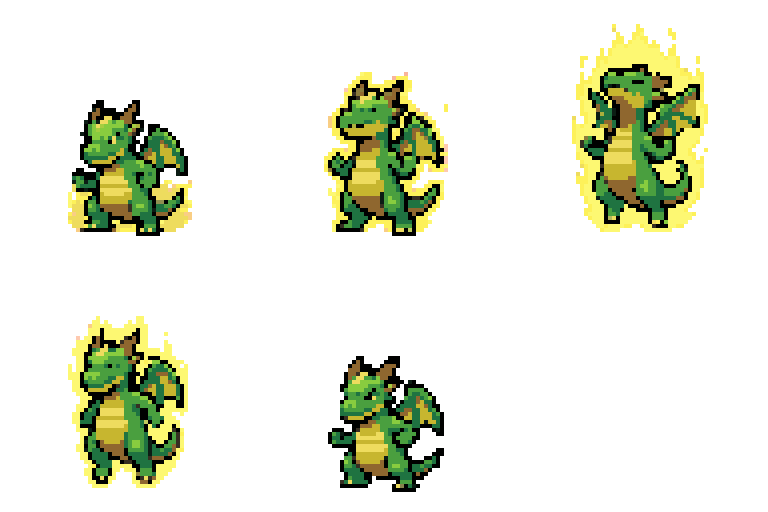
Power-up sprite animation generated by PerfectPixel
● 6/6 frames ● 0px residue score 94
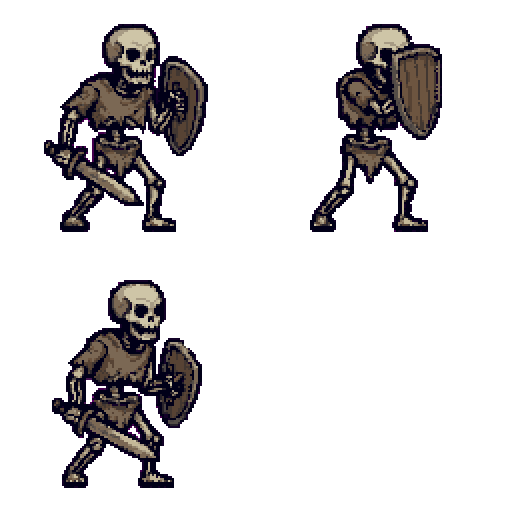
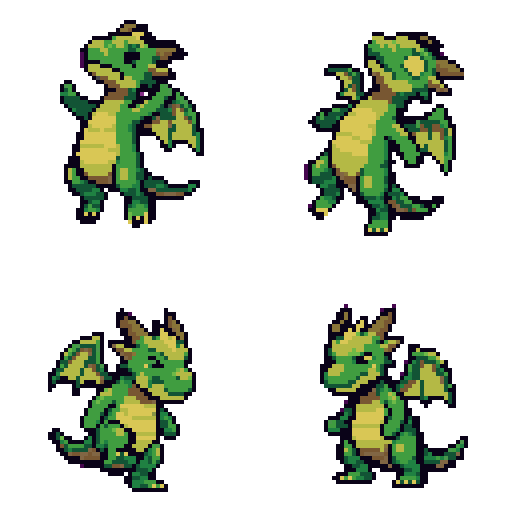
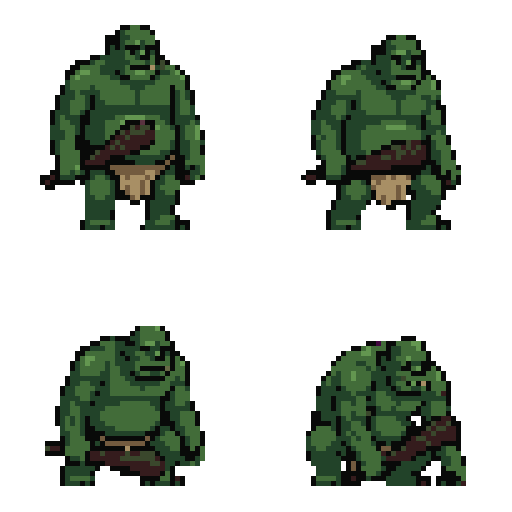
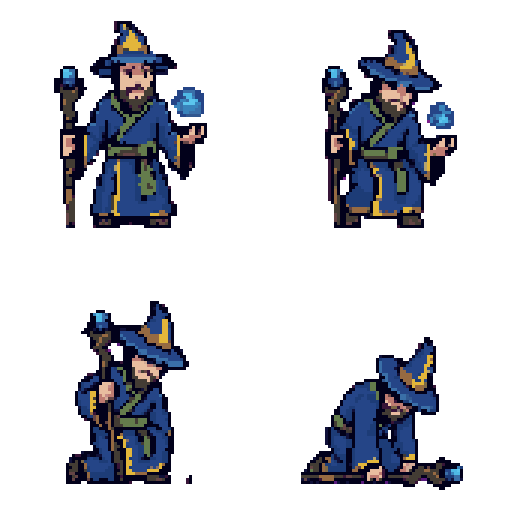
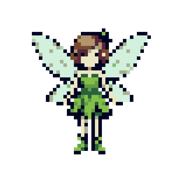
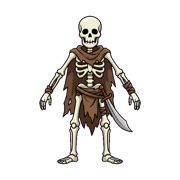
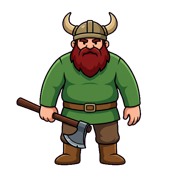
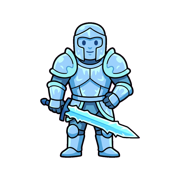
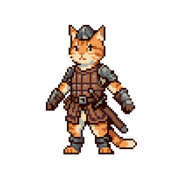
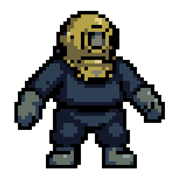
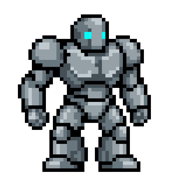
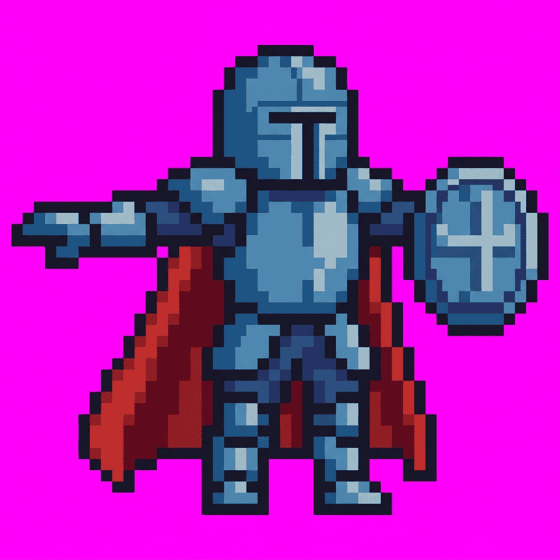
15 CHARACTERS cheer idle power-up walk idle-ranger dance block death victory hurt-heavy cheer-2 shield-up crouch walk-2 defeat 100+ MOTIONS

The Problem

Drawing one picture is easy.
Game-ready sprites are hard.

AI that draws images is everywhere. But developers don't want one nice picture. A 6-frame walk must be exactly 6 frames, every frame the same character, the background fully alpha-transparent, and the anchor must not jitter — AI rarely keeps all of these.

Wrong frame countasked 6 → got 7
Poses fuse togetherarms touch the neighbor
Hair color shifts midwayidentity drift
Background bleeds at edgeschroma spill

PerfectPixel's answer is clear. Let AI handle rendering, but correct quality, consistency, and precision entirely with deterministic post-processing. So even when the AI output differs every time, the result always converges to a consistent quality.

How it works

A closed loop that converges by pinpointing flaws

We don't expect a perfect result in one shot. Each round quantifies exactly what went wrong and injects that flaw into the next prompt to redraw.

1

Prompt

Build a prompt from description, style, and motion to generate one long horizontal filmstrip.

2

Matte

Estimate the background key color and make it transparent with YCbCr matting.

3

Segment

Split even fused poses with a projection profile and a global-optimum DP cut.

4

Inspect

Quantify frame count, identity drift, and motion presence.

5

Score & Retry

If it falls short, regenerate with a retry hint that pinpoints the flaw (up to 3×).

measured retry hint

"The previous result read as 7 poses, but exactly 6 are required. Split the canvas into 6 even columns and separate the poses with clean magenta gutters, then redraw."

Anatomy of a sprite

One base character, a raw AI strip, a clean anchored set

This is the part most tools skip. PerfectPixel locks the character's identity to a base image, generates a single horizontal strip per motion, then cuts, mattes, and anchors every frame so it drops into an engine untouched.

01
Base character locked from a single description
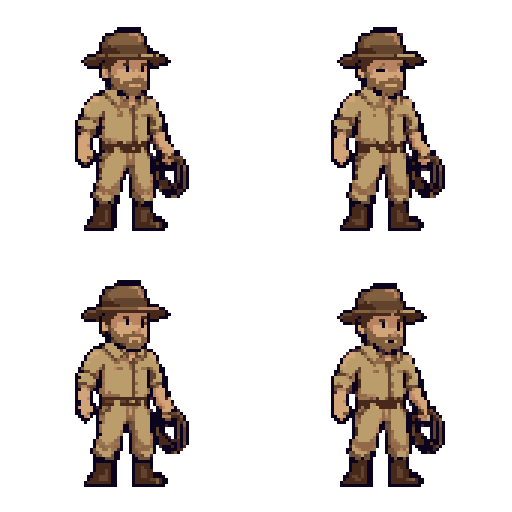
Base characterOne line of text → identity-locked reference.
02
Raw horizontal filmstrip from the AI model
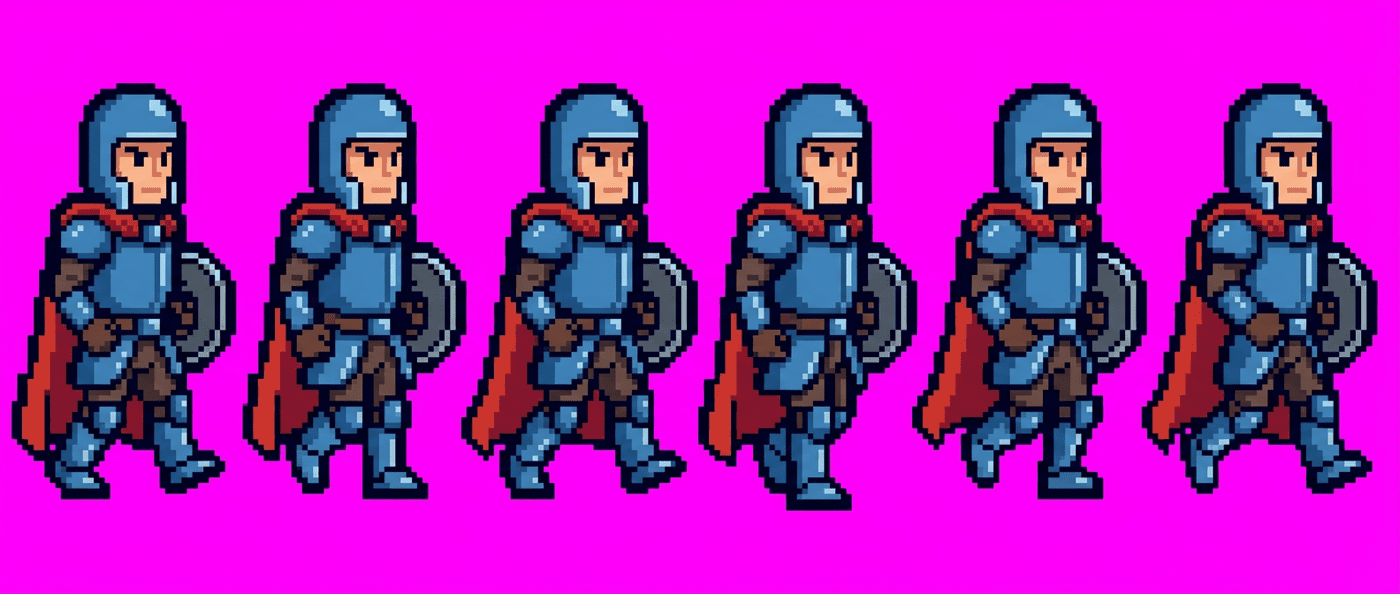
Raw AI filmstripUneven gaps, fused poses, background spill.
03
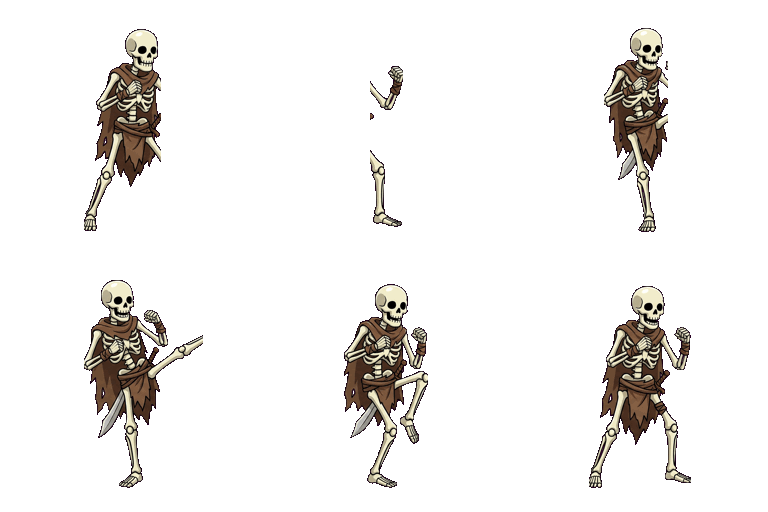
Extracted, matted and anchored animation
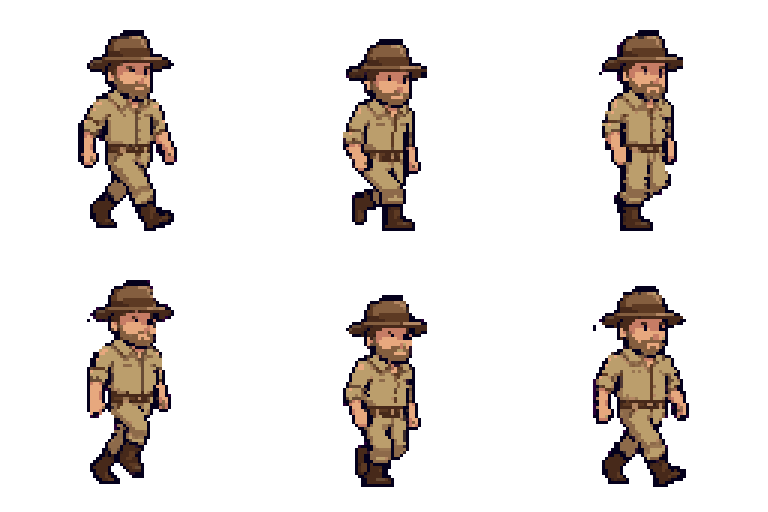
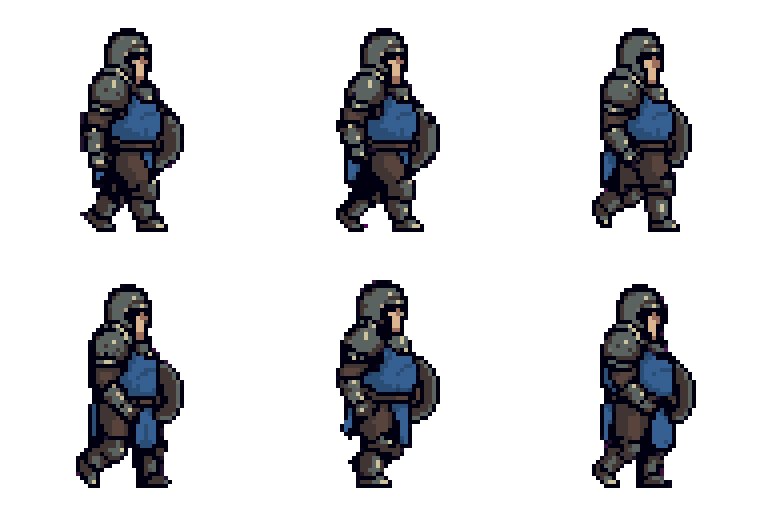
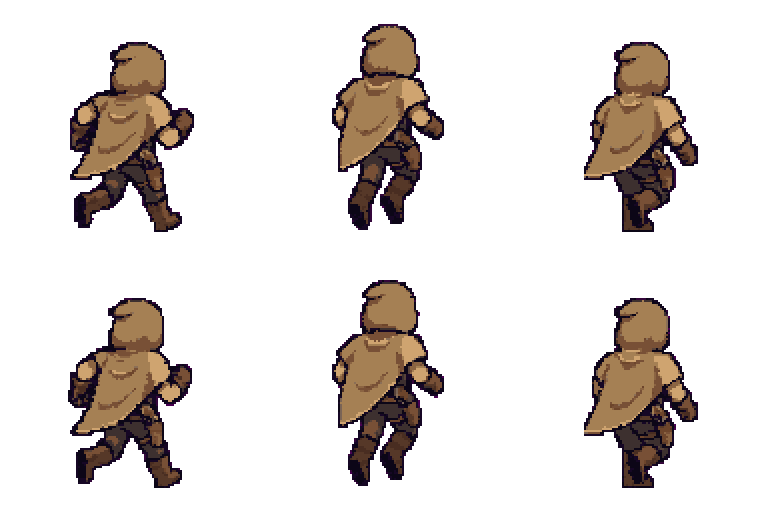
Anchored & game-readyAlpha-clean, centroid-pinned, looping.
Frame grab

Projection-profile + DP cut splits the strip into the exact requested frame count — even when poses touch.

Anchor lock

Alpha-weighted centroid pins the torso to cell center, so the character never jitters between frames.

Foot pivot

A manifest foot-pivot + baseline offset keeps feet planted and preserves jump arcs on import.

The Technology

"Signal processing, not heuristics"

Every comparison below was produced by the actual pipeline code, and the numbers on each label were measured directly from pixel statistics by the validation harness. Not marketing figures.

01 — Background Matting

Chrominance-based chroma matting

Instead of RGB, it works in YCbCr space — dropping luma and separating the background using only chrominance (Cb·Cr). It is inherently robust to JPEG 4:2:0 artifacts, and adds despill, flood fill, and a self-diagnostic fallback.

168px magenta residue  →  0 px
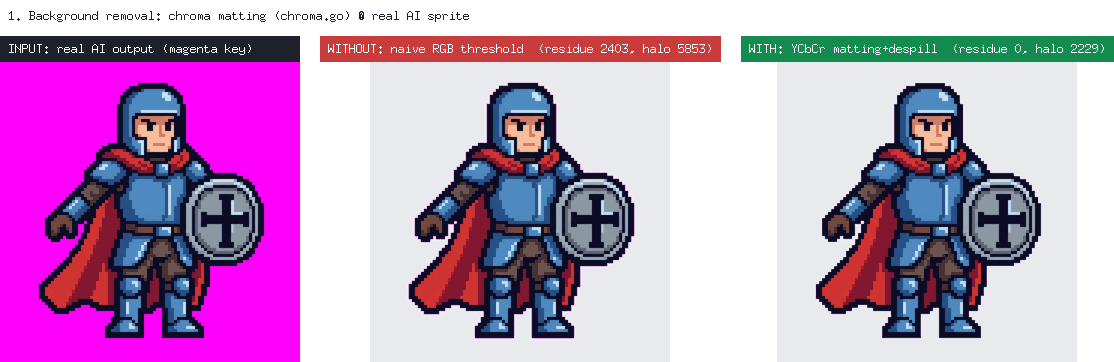
Background removal before/after
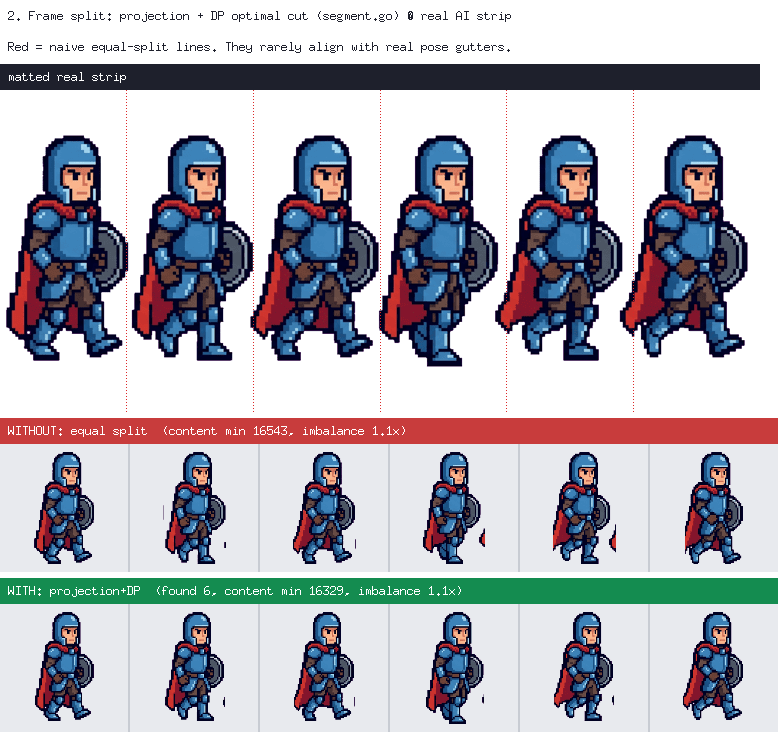
Frame segmentation before/after

02 — Frame Segmentation

Projection + DP optimal cut

Even when poses touch, it finds the valley in the alpha projection and uses dynamic programming to compute the global-optimum cut that severs the least content. Empty frames from equal split are eliminated at the source.

999× content imbalance  →  1.0×

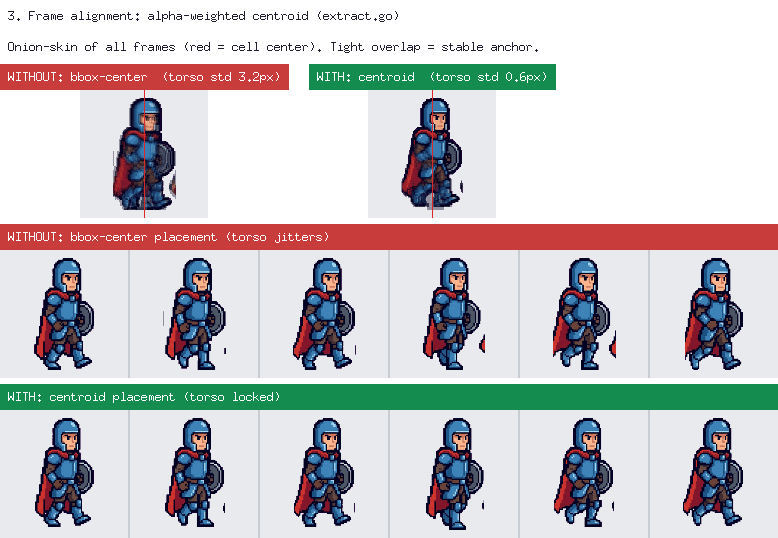
03 — Anchor Alignment

Alpha-weighted centroid alignment

Instead of the bounding-box center, it aligns the center of mass to the cell center. However the limbs extend, the large-area torso dominates the centroid, so the anchor never jitters between frames.

29.3px torso std-dev  →  10.9 px
Frame alignment before/after
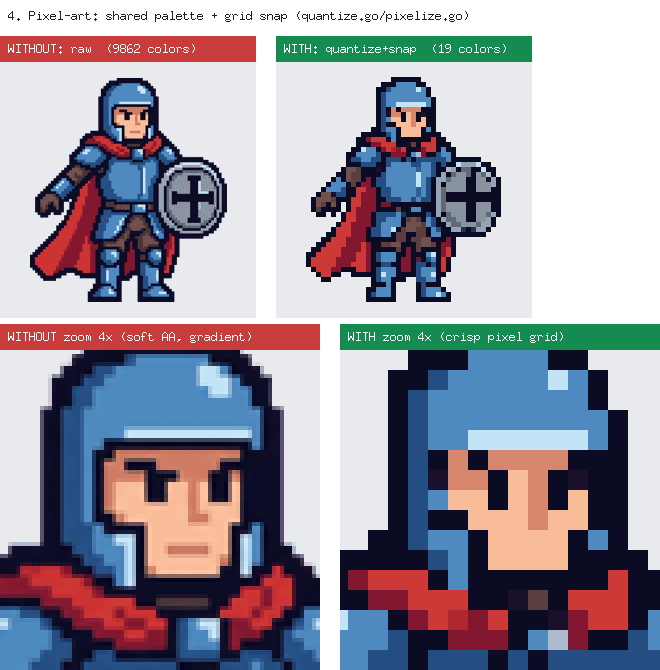
Pixel-art finishing before/after

04 — Pixel-art Finishing

Shared-palette median-cut + grid snap

It refines fake pixel-art muddied by anti-aliasing into true dot art. A shared palette across all frames prevents flicker, and colors snap to a grid estimated from run lengths.

2,443colors  →  10 colors

The Difference

A typical AI tool vs PerfectPixel

They may look like they do the same job — what differs is how quality is guaranteed.

AspectA typical AI toolPerfectPixel
Background removalFixed-threshold RGB chroma keyYCbCr chroma matting + flood fill + self-diagnostic fallback
Frame splittingEqual split / connected-componentProjection profile + DP global-optimum cut
Anchor stabilityLeft to chanceAlpha-weighted centroid + manifest foot pivot
Identity consistencyLeft to chanceColor histogram + dHash 2-axis check + regen loop
Quality measurementEyeballed by a human0–100 multi-axis score + headless regression
Compression robustnessFragile to JPEG noiseChrominance space ignores luma — inherently robust to 4:2:0

The Studio

Not a prompt box — a desktop studio

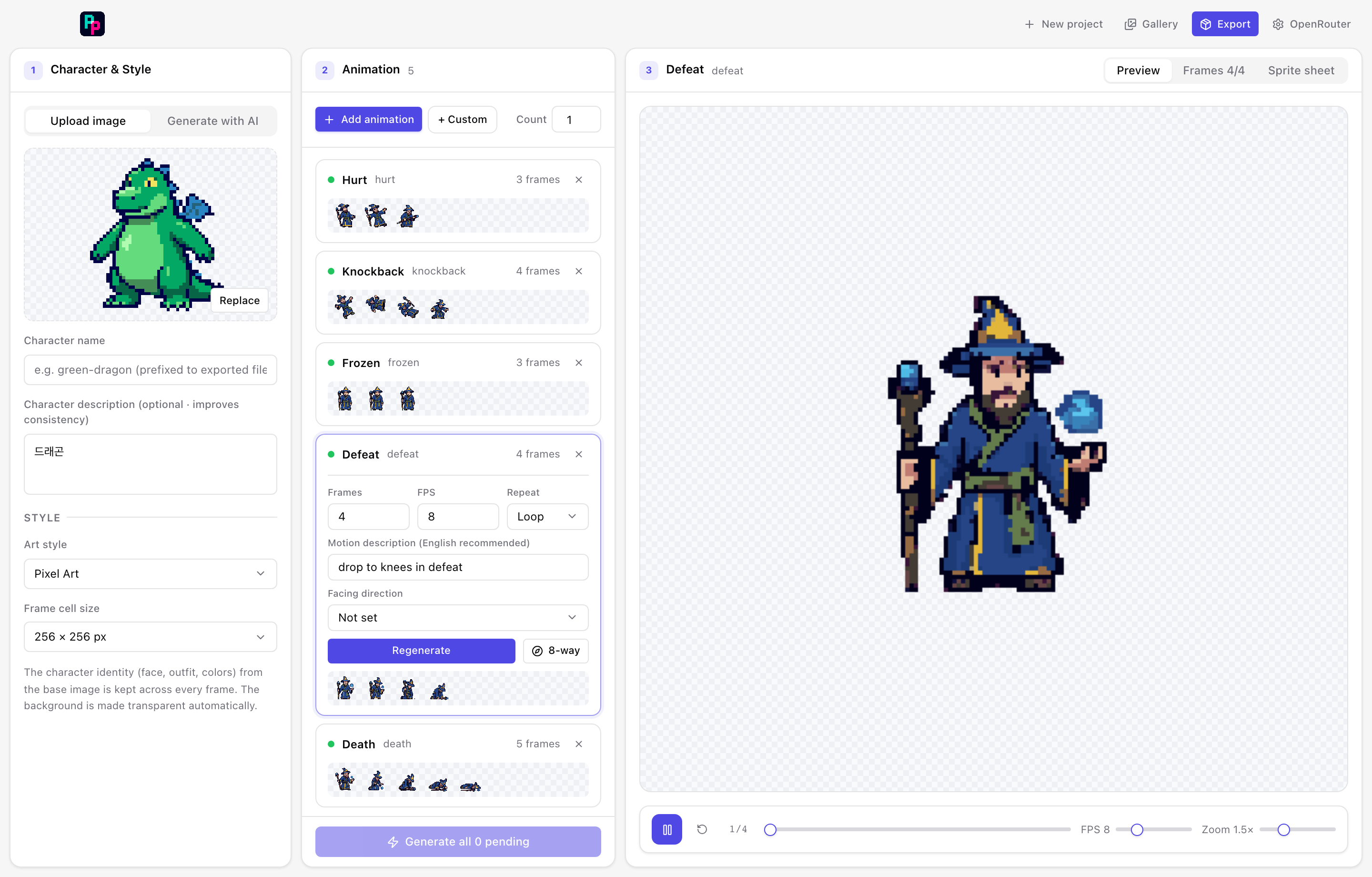
A native macOS/Windows app (Go + Wails). Describe a character on the left, stack motions in the middle, review and regenerate on the right — then export one engine-ready folder.

PerfectPixel + New Gallery ⤓ Export ⚙ Gemini
PerfectPixel desktop studio — Character, Motions and Preview panels shown side by side
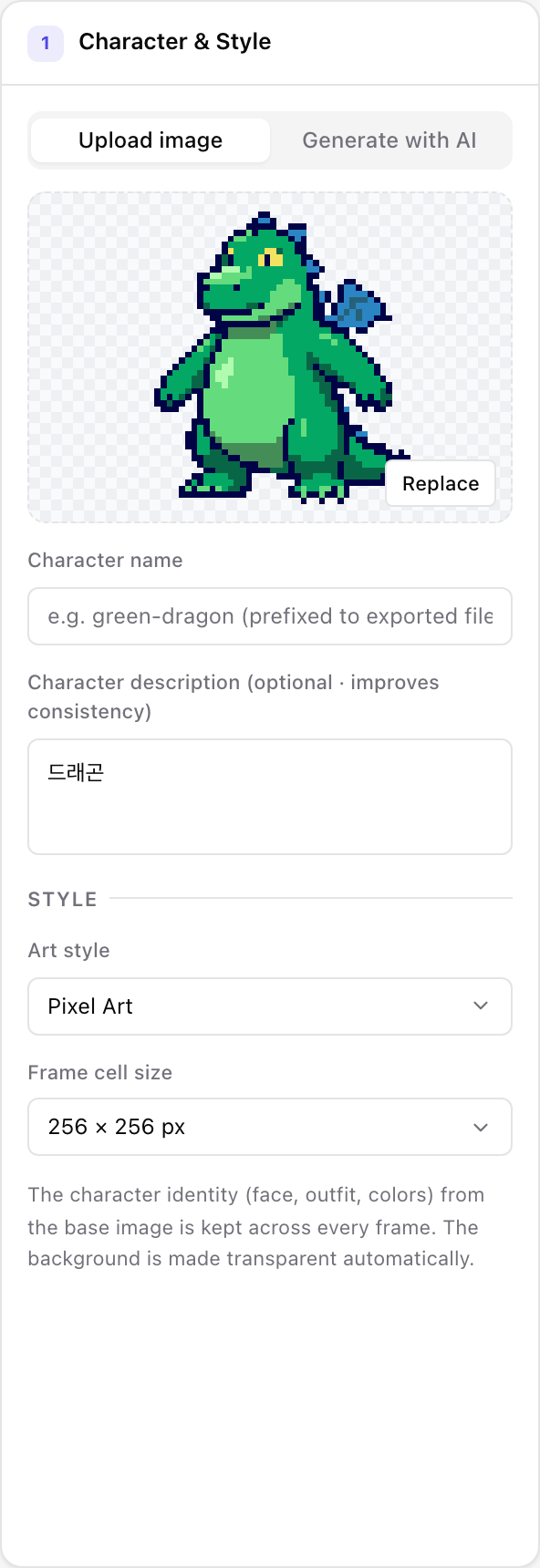
Character panel: description, style and bg-removed base
① Character — describe it, pick a style, lock the bg-removed base
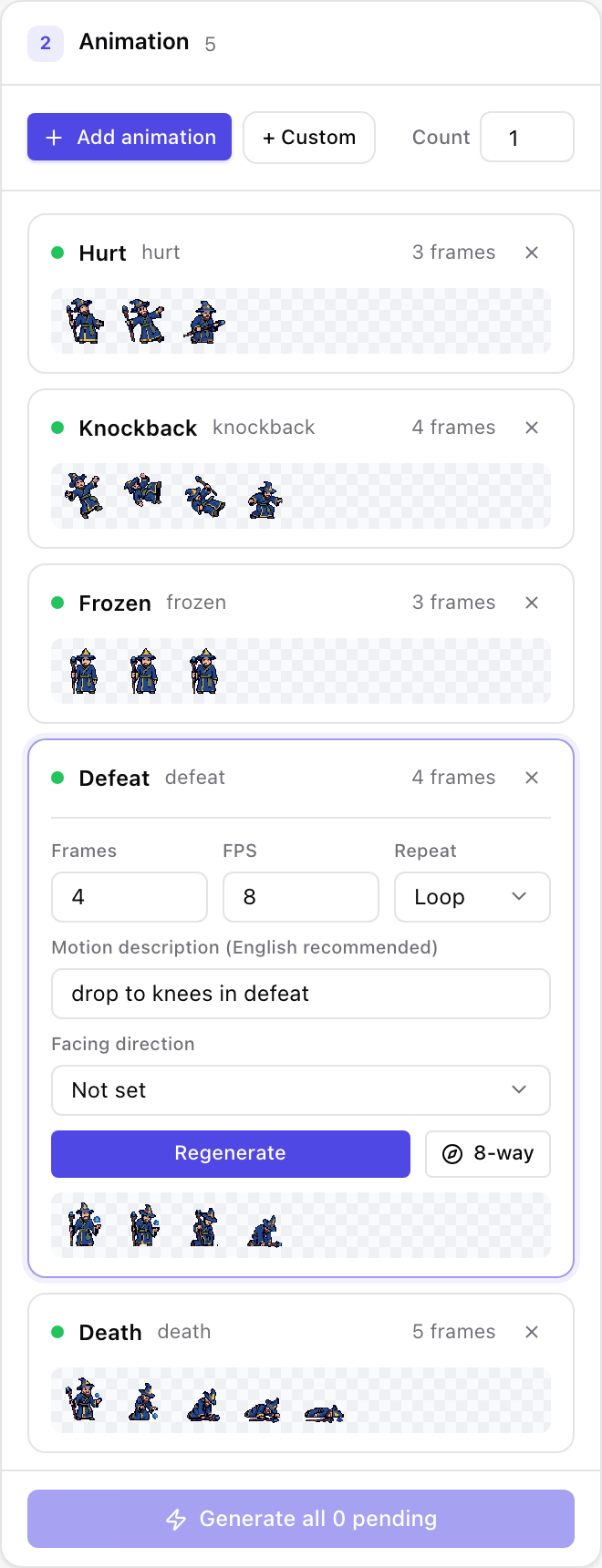
Motions panel: presets, batch generation and 8-direction sets
② Motions — 100+ presets, batch generate & 8-direction sets
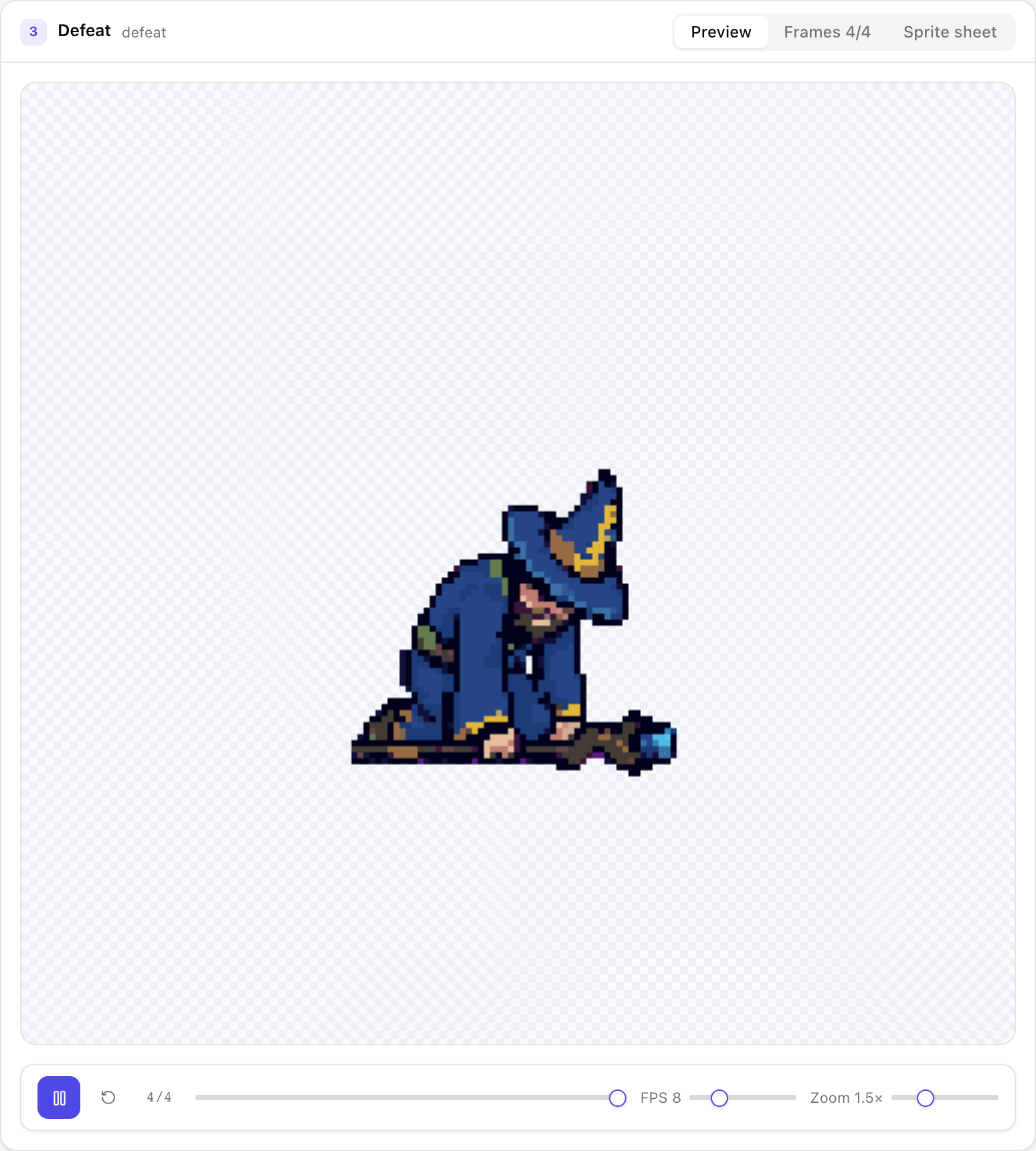
Preview panel: playback, frame selection and feedback regen
③ Preview — playback, frame select & feedback-driven regen
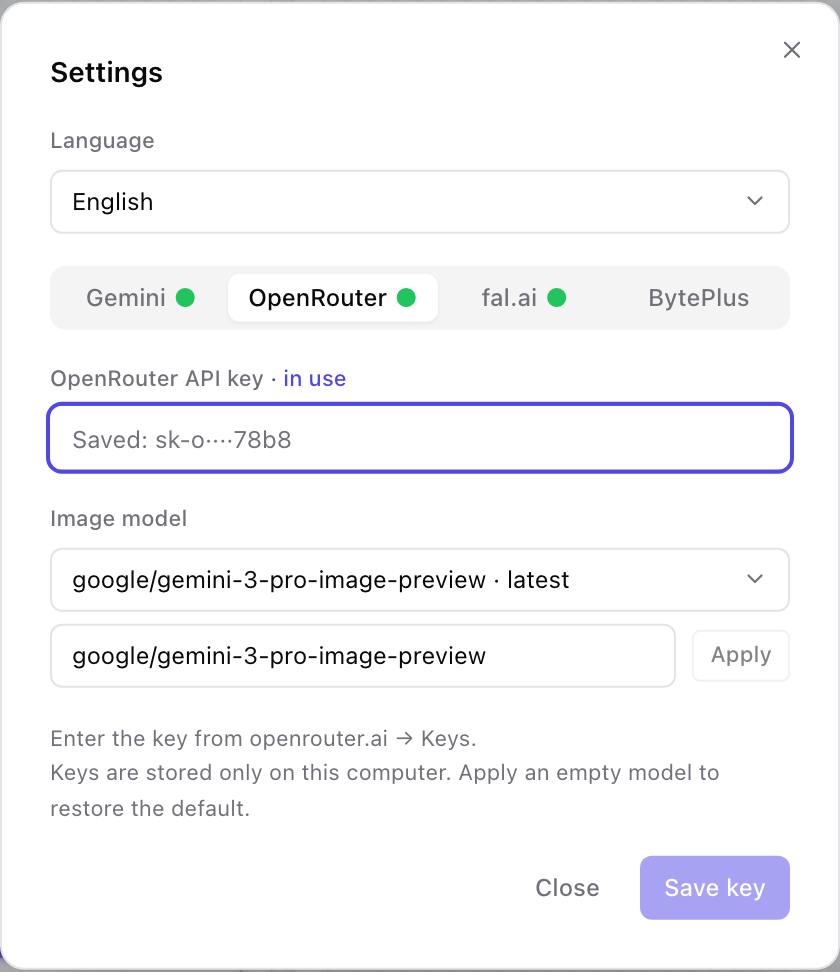
Settings modal: multi-provider API keys
Settings — multi-provider keys, validated & stored locally (0600)
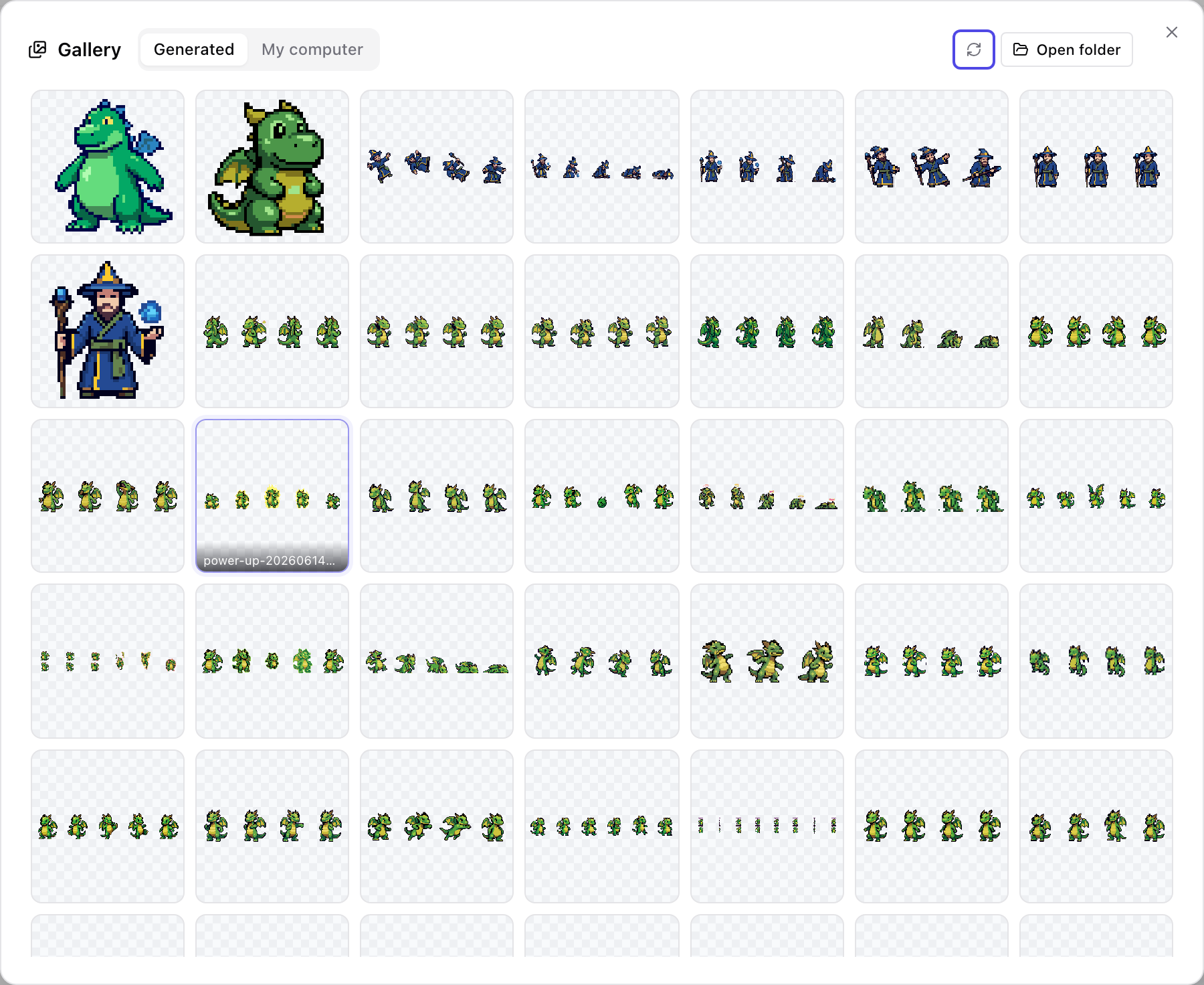
Gallery modal: auto-archived results
Gallery — every result auto-archived & reusable

8-direction sets

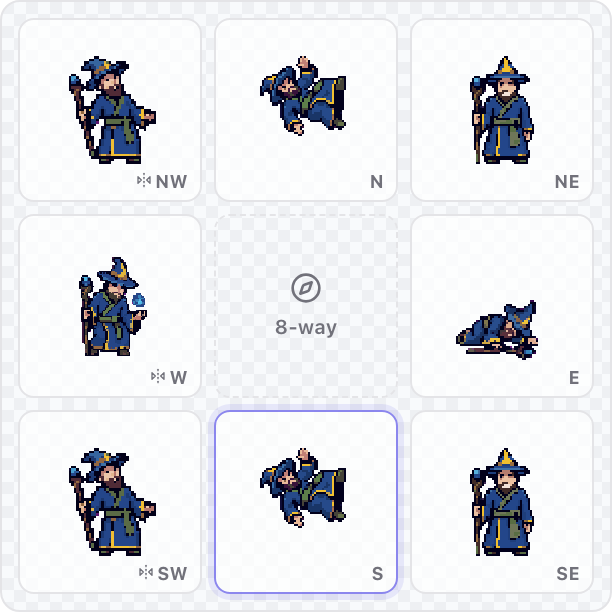
In-app 3×3 eight-direction preview grid with live animation cells

5 directions are AI-rendered, 3 mirror sides are derived — a full set at 37.5% lower generation cost.

Multi-provider

GeminiOpenRouterfal.aiBytePlus

Swap the backend model in Settings — keys are validated and stored locally (0600).

One-pass export

sprite-sheet.pngAseprite JSONmanifest.jsonGIFAPNGframes/

Import straight into Phaser · Unity · Godot. Sessions auto-save; results auto-archive to the gallery.

ready player one?

Bring your character
to life in pixels.

8 directions · 100+ motion presets · Phaser / Unity / Godot export.
Write one line, the pipeline does the rest.

Download PerfectPixel